How to Calculate Depreciation on Rental Property
CFA FRM Real Estate
If you own rental property, depreciation is one of the biggest tax deductions available to you — and the IRS requires you to calculate it correctly. This guide walks you through calculating depreciation on rental property step by step, using the BA II Plus calculator’s built-in Depreciation worksheet.
What Is Rental Property Depreciation?
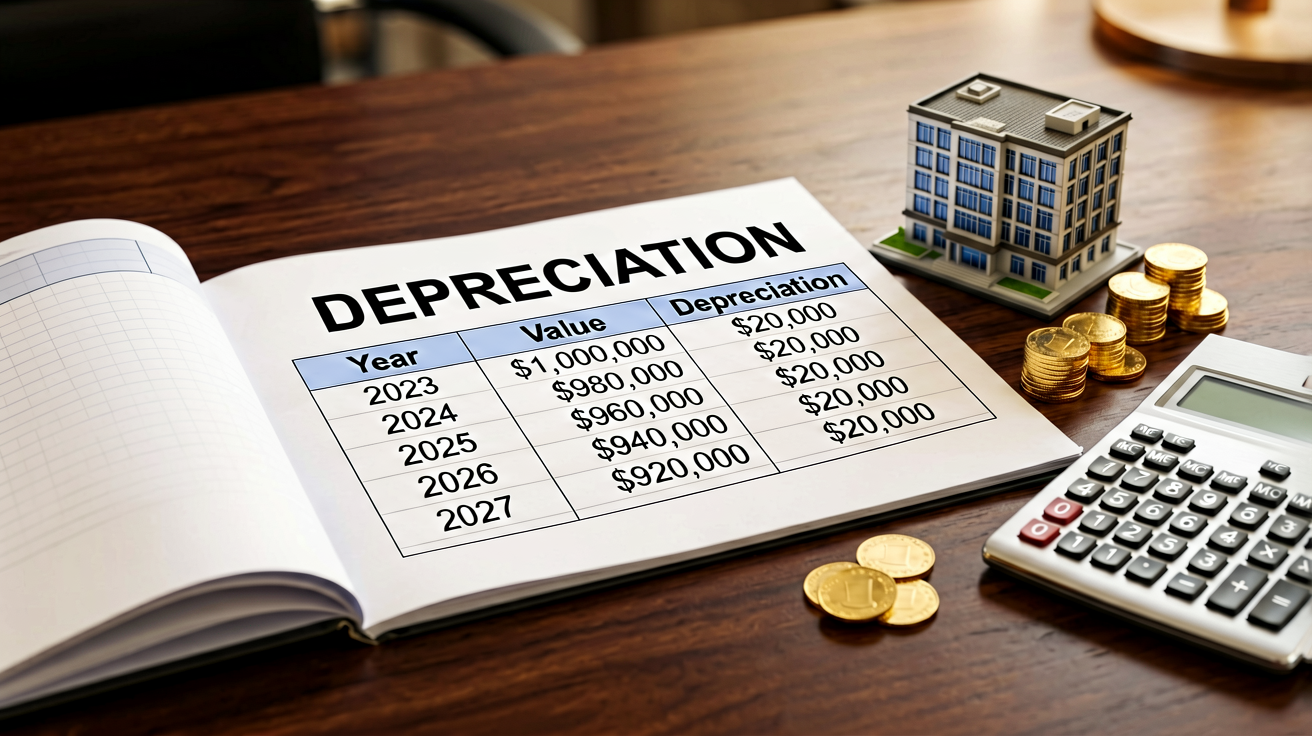
Depreciation lets you deduct the cost of a residential rental property over its useful life. Instead of expensing the entire purchase price in one year, you spread the deduction across multiple years — reducing your taxable rental income each year.
For residential rental property in the US, the IRS mandates:
| Rule | Requirement |
|---|---|
| Recovery period | 27.5 years (straight-line only) |
| Method | Straight-line depreciation |
| Convention | Mid-month (property placed in service mid-month) |
| Land value | Not depreciable — must be separated from building cost |
::callout{type=“info”} Key point: You can only depreciate the building, not the land. If you paid $350,000 for a property and the land is appraised at $100,000, your depreciable basis is $250,000. ::
Step-by-Step: Calculate Rental Property Depreciation on the BA II Plus
Step 1: Determine Your Depreciable Basis
Your depreciable basis is:
Purchase price + closing costs − land value = Depreciable basis
Example: You buy a rental property for $350,000. The land is appraised at $100,000.
Depreciable basis = $350,000 − $100,000 = $250,000
Step 2: Open the Depreciation Worksheet
On your BA II Plus:
| Key | Action |
|---|---|
[2nd] [4] |
Open Depreciation worksheet |
[2nd] [CLR WORK] |
Clear previous values |
The display shows SL (Straight-Line) — which is exactly what we need for rental property.
Step 3: Enter the Depreciation Parameters
Press [↓] to move through each field and enter:
| Field | Value | Key Sequence |
|---|---|---|
| LIF (life) | 27.5 | 27.5 [ENTER] |
| CST (cost / basis) | 250000 | 250000 [ENTER] |
| SAL (salvage) | 0 | 0 [ENTER] |
| YR (year to compute) | 1 | 1 [ENTER] |
::callout{type=“warning”} Salvage value for rental property is $0. The IRS assumes the building fully depreciates over 27.5 years — there is no residual value for depreciation purposes. ::
Step 4: Compute the Annual Depreciation
Press [↓] past YR — the calculator computes:
| Output | Meaning | Value |
|---|---|---|
| DEP | Depreciation for year 1 | $9,090.91 |
| RBV | Remaining book value | $240,909.09 |
| RDV | Remaining depreciable value | $240,909.09 |
Annual depreciation = $250,000 ÷ 27.5 = $9,090.91 per year
This is the same for every full year (years 2 through 27).
Step 5: Check the Final Year
Set YR = 28 (the last year, since year 1 is partial — see below):
28 [ENTER] [↓]
The calculator shows the final partial-year depreciation to zero out the remaining book value.
The Mid-Month Convention: First-Year Adjustments
The IRS requires the mid-month convention for residential rental property. This means:
- Property placed in service in any month is treated as placed in service midway through that month
- You get half a month’s depreciation for the month you place it in service
- You also get half a month in the month you dispose of it
Using M01 on the BA II Plus
After entering LIF, CST, SAL, and YR, press [↓] to reach M01 (the month the property was placed in service):
| Field | Value | Key Sequence |
|---|---|---|
| M01 | Month placed in service (1–12) | e.g., 7 [ENTER] for July |
The calculator automatically adjusts the first-year depreciation for the mid-month convention.
Example: Property placed in service in July (month 7):
- Full-year depreciation: $9,090.91
- Months in service year 1: 5.5 (mid-July through December)
- First-year depreciation: $9,090.91 × (5.5 / 12) = $4,166.67
Set YR = 1, M01 = 7, then press [↓]:
| Output | Value |
|---|---|
| DEP | $4,166.67 |
| RBV | $245,833.33 |
Full Depreciation Schedule (Placed in Service July)
| Year | DEP | RBV |
|---|---|---|
| 1 (partial) | $4,166.67 | $245,833.33 |
| 2–27 | $9,090.91 | declining |
| 28 (partial) | $4,166.67 | $0.00 |
| Total | $250,000.00 |
::callout{type=“info”} Notice the schedule spans 28 calendar years even though the recovery period is 27.5 years — because the first and last years are partial. ::
What About Non-Residential Property?
If you’re depreciating commercial property instead of residential rental:
| Property Type | Recovery Period | Method |
|---|---|---|
| Residential rental | 27.5 years | Straight-line |
| Non-residential (commercial) | 39 years | Straight-line |
| Land improvements | 15 years | 150% DB or SL |
| Appliances / furniture | 5 years | 200% DB or SL |
For commercial property, just change LIF = 39 in the BA II Plus — everything else works the same way.
Other Depreciation Methods on the BA II Plus
While rental property must use straight-line, the BA II Plus supports other methods you may need for different assets:
Declining Balance (DB)
Used for 5-year and 7-year property (appliances, furniture in a rental). Press [2nd] [4], then cycle the method with [2nd] [SET] until you see DB.
| Field | Description |
|---|---|
| LIF | Asset life in years |
| CST | Cost basis |
| SAL | Salvage value |
| FAC | Declining balance factor (e.g., 200 for double-declining) |
Sum-of-the-Years’-Digits (SYD)
An accelerated method. Cycle to SYD with [2nd] [SET].
Declining Balance with Crossover (DBX)
Switches from declining balance to straight-line when SL produces a larger deduction. Cycle to DBX.
Common Mistakes to Avoid
- Including land value in your basis — Land never depreciates. Always subtract it.
- Using the wrong recovery period — 27.5 years for residential rental, NOT 39 years.
- Forgetting the mid-month convention — Your first-year deduction is always partial.
- Using an accelerated method for residential rental — The IRS requires straight-line. DB and SYD are for personal property, not the building itself.
- Not depreciating at all — The IRS considers depreciation “allowed or allowable” — even if you don’t claim it, you still have to reduce your basis by the amount you could have deducted when you sell.
Quick Reference: BA II Plus Depreciation Keys
| Key | Function |
|---|---|
[2nd] [4] |
Open Depreciation worksheet |
[2nd] [CLR WORK] |
Clear worksheet |
[2nd] [SET] |
Cycle through SL → SYD → DB → DBX |
[↓] / [↑] |
Navigate between fields |
[ENTER] |
Store entered value |
Bottom Line
Calculating depreciation on rental property doesn’t have to be complicated. With your BA II Plus:
- Set method to SL
- Enter LIF = 27.5, CST = building cost, SAL = 0
- Set M01 to the month placed in service
- Scroll to compute each year’s depreciation
The calculator handles the mid-month convention automatically — no manual proration needed. Just enter the right inputs and let the BA II Plus do the math.
Replies (0)
Sign in to reply to this post.